

How do you ask clients for Google reviews without being pushy?
 By Miklós KazatsayPublished: Updated: 11 min read
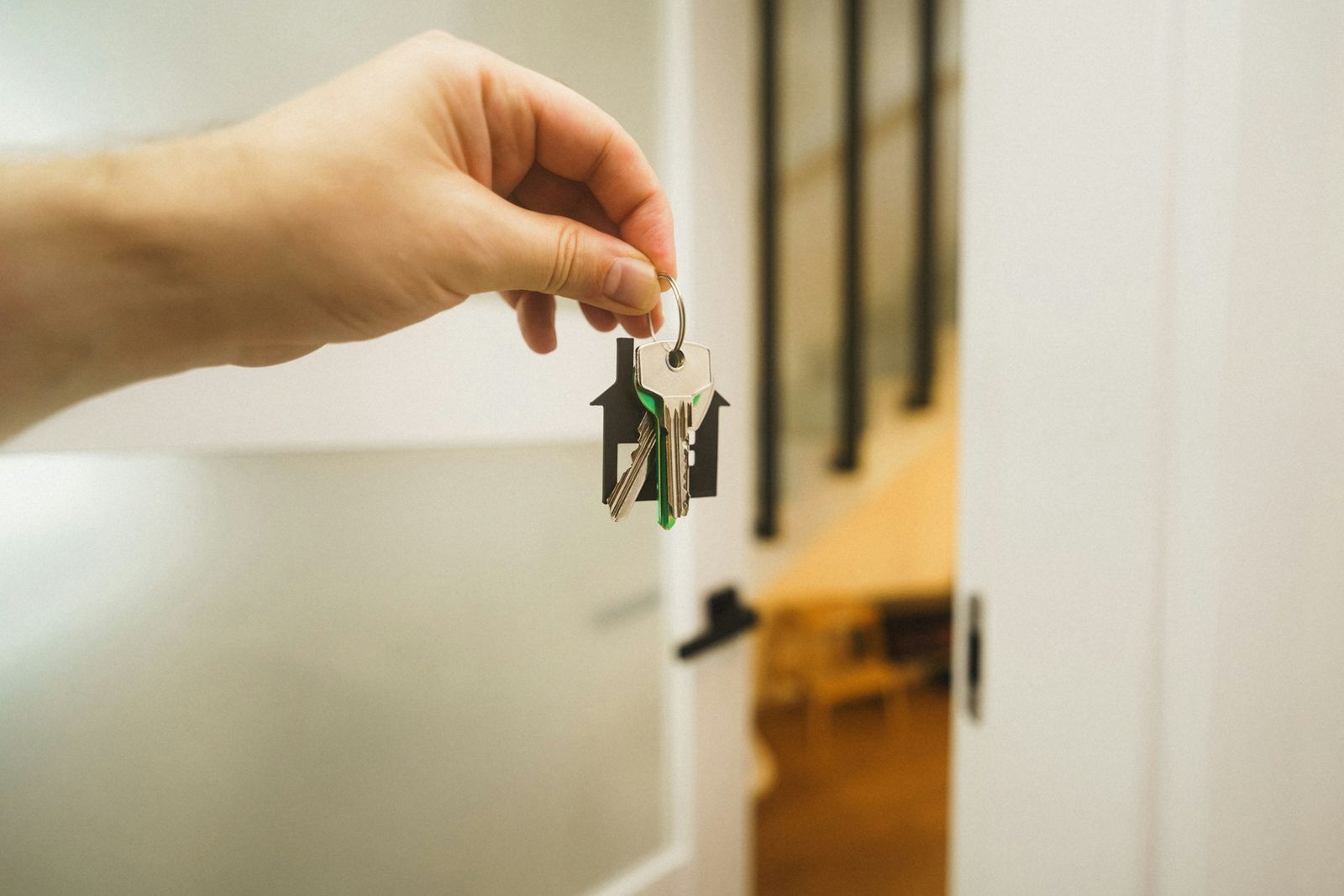
Ask right after you have delivered the result, personally and in one sentence, with a short link or QR code that opens Google's review form directly. Asking without being pushy means asking every client the same way, with no reward and no filtering, and then replying to every review you get.
- The best moment is when the client has the result in hand: the filed tax return or the signed-off project. Year-end, when many projects close, is a natural occasion.
- In Google Business Profile, Read reviews, then Get more reviews, gives you the short link and the QR code. QR codes can currently only be created in a computer browser.
- Rewards for reviews, asking only happy clients, reviews from staff or family and pressure on the spot all break Google's policy. In the EU, UK and US, fake reviews are now explicitly banned by law.
- In BrightLocal's 2026 survey, 78% of respondents had been asked for a review in the past year, and 65% left one after being asked.
- Reply to every review in your firm's own voice: templated replies put off half of the same survey's respondents.
Why ask for reviews if your clients come by referral?
Because referred clients look you up before they call. The referral brings them, and the search result either confirms what they heard or plants a doubt. For a solicitor, an accountant or a physiotherapy practice, Google reviews are often the first independent opinion a new enquirer sees. Asking for one is no more undignified than asking a satisfied client to act as a reference.
In BrightLocal's 2026 consumer survey of US adults, 74% said they only pay attention to reviews from the last three months, and 47% won't use a business with fewer than 20 reviews. Treat that as a direction for your own market.
We also looked at a small sample of our own. On 18 September 2026, for a campaign, we pulled the Google Maps data of 75 mostly wine-related venues in and around Eger, a wine town in northern Hungary. Of the 73 with a star average, 67 scored 4.5 or higher, so stars barely told them apart. Review volume did: the median venue had 59 reviews, while 21 had fewer than 20. And according to the Google Maps data, 20 profiles were not claimed by their owner, one of them holding more than 250 reviews that nobody at the business could reply to.
A different trade, a familiar pattern: the happy customers exist, and nobody owns asking them or answering their reviews.
When is the best moment to ask?
When the client has just received what they came for. The moment differs by profession but is easy to spot: completion on a house purchase, a filed tax return, a last treatment session, the handover meeting of a B2B project. The experience is fresh and the request fits naturally into the conversation.
Sending the invoice is a bad moment, because it ties the request to payment. Mid-project is a bad moment too, because there is nothing to judge yet. If a client is unhappy, you ideally hear it before you ask, and you fix the problem first. Afterwards they get the same request as everyone else.
Year-end is an occasion in its own right. Plenty of projects close between October and December, and the thank-you note you send anyway has room for one sentence and a link. Ask each client once and remind them once at most. No reply to the second message is an answer too.
From the operations side, the most common problem is that asking for the review is nobody's job. It happens reliably once it is a step of closing a project, just like the handover email or the final invoice.
Google review link and QR code: how do you get them in Business Profile?
Google Business Profile (formerly Google My Business) is your firm's listing in Google Search and Maps. It gives you a short link and a QR code that open the review form directly, so the client doesn't have to hunt for it. According to Google's help centre in October 2026, the path is:
- 1Sign in with the Google account that owns or manages the profile and open it in a computer browser (business.google.com, or search Google for your business name).
- 2If the profile isn't verified yet, finish that first. Without verification you can't reply to reviews either.
- 3Select Read reviews, then Get more reviews, then the Share icon.
- 4Copy the link with the Copy icon. Save the QR code with a right click (Save image as). QR codes can't currently be created on a phone.
- 5Put the link where the request happens anyway: the handover email and your email signature. The QR code goes on print, such as the back of your business card or the reception desk.
- 6Test it: open the link on another device and check that the review form really comes up.
If your screen looks different, Google's help article “Create a Google link or QR code to request reviews” is the reference. Menu names change from time to time.
The ask itself is one sentence, for example: “Thank you for working with us. If you're happy to share what it was like, a short Google review really helps people who are looking for a firm like ours.” Then the link. It names no star count and suggests no wording, and it promises nothing in return.
Where should you put the QR code?
Where the client is happy and has a phone in hand: the reception desk or handover room, the back of your business card, the folder or leaflet you hand over at completion. Google's help also suggests printing the QR code and placing it in your business, and you can share the link by email, WhatsApp message or a Facebook post. Leave it off the invoice, because there the request is tied to payment.
Google does not specify a required size or file format, so test before you print: scan the printed code with a couple of different phones at its actual size and in real lighting. If it will not scan, enlarge it and leave a blank margin around it.
What do Google's rules and the law forbid?
Google's policy and consumer law ask the same thing: does the review reflect a real client's real experience? Anything that distorts that is out. The common cases as of October 2026:
| Practice | What the rule says | Source |
|---|---|---|
| A reward for a review (a discount or a gift) | Not allowed, even if the client is genuine. Rewards for changing or removing a review are banned too. | Google's prohibited content policy |
| Asking only happy clients | Selectively soliciting positive reviews, or discouraging negative ones, is not allowed. | Google's policy |
| Reviews from staff, former staff or family | Conflict of interest, not allowed. | Google's policy |
| Pressure on the premises, prescribed content | You can't pressure clients to review while they're with you, or tell them what to write. | Google's policy |
| Bought or invented reviews, including via a third party | Submitting or commissioning fake consumer reviews is a banned practice in all circumstances. | EU Unfair Commercial Practices Directive, Annex I; UK DMCC Act; US FTC rule |
| Reviews shown on your own website | If you claim they come from real customers, you must take reasonable steps to check that. | EU Unfair Commercial Practices Directive, Annex I |
In the EU, the Omnibus Directive ((EU) 2019/2161) added both points to the blacklist of the Unfair Commercial Practices Directive, applicable since 28 May 2022 and enforced by each member state's consumer authority. In the UK, the fake-review bans of the Digital Markets, Competition and Consumers Act have applied since 6 April 2025. In the US, the FTC's rule on fake reviews and testimonials, finalised in August 2024, allows civil penalties for knowing violations.
Google filters too. By its own account it blocked or removed over 292 million policy-violating reviews in 2025, and when a profile sees a sudden spike of suspicious reviews it can pause new reviews temporarily.
This is not legal advice. Solicitors, healthcare providers and other regulated professions should also check their professional body's rules before asking clients for reviews.
How should you reply to reviews?
Reply to all of them, in the same voice your website and emails use. In BrightLocal's 2026 survey, 89% of respondents expect owners to respond to reviews, and templated replies make 50% unlikely to choose the business. Your reply is public, Google notifies the reviewer, and every future enquirer can read it.
We call it your digital DNA: your firm sounds the same everywhere, Google replies included. If your website is calm and professional, your Google replies shouldn't be emoji-laden or legal boilerplate. Write down once, in a few sentences, how your firm replies, and have everyone who manages the profile follow it.
- For a positive review, thank the person by name and pick up on something they wrote. It shows you actually read it.
- For a negative review, acknowledge the experience in one sentence, don't argue the details in public, and give a direct contact to continue the conversation.
- In confidential professions, don't confirm that the reviewer was a client and don't mention their matter. Client confidentiality and health-data rules apply to a public reply as well.
- If a review breaks Google's policy, say it isn't from a client or is part of an extortion attempt, report it in your Business Profile and reply briefly and factually meanwhile.
„When the review request sits on the project-closing checklist, nobody has to work up the nerve each time. When it doesn't, it gets skipped after exactly the best projects, because by then everyone has moved on to the next one.”
How do you turn review requests into a routine?
By not relying on memory. In a CRM or project tool, the closed status of a project can start a simple workflow that sends the request at the right moment, from the right person. We build workflows like this as part of our System service, and it looks like this:
- A few days after the project closes, a personal email goes out in the name of whoever led the project, with the short review link.
- If there's no response within a week, one reminder follows, and then the workflow stops.
- Everyone gets the same message, without filtering, which keeps it within Google's policy.
- Every new review triggers an alert to whoever owns the replies, so the reply is up within days.
We write the request and the reply voice in our Content service, so they match how your firm speaks elsewhere. Reviews also work beyond the stars: BrightLocal found that 82% of respondents read AI-generated review summaries, and AI search tools answer from consistent information about you, as our piece on whether ChatGPT sees your business explains.
Who this is not for: if you only sell to large-company procurement teams, reference letters and case studies matter more than Google stars. And if you take on one or two clients a month, don't automate: a handwritten sentence does the same job.
What is the moment in your work when clients are happiest, and what happens at that moment today?
Frequently asked questions
Can I delete a negative Google review?
No, a business can't delete reviews. If one breaks Google's policy, report it from your Business Profile and Google may remove it. Otherwise, reply briefly and factually, with a direct contact.
Can I ask my staff or family to leave a review?
No. Google's policy treats reviews based on current or former employment, a contractual relationship or family ties as a conflict of interest. Such reviews also mislead the people who read them.
Can I email all my past clients at once?
Better not. Google treats unusual volumes or patterns of reviews as suspicious and can pause new reviews after a sudden wave. Ask steadily as projects close, and contact past clients personally where the relationship is still live.
How many reviews do I need?
There's no magic number. In BrightLocal's 2026 US survey, 47% won't use a business with fewer than 20 reviews, and 74% look at reviews from the last three months. A steady flow of recent reviews beats one big burst.
How do I get my Google review link?
In a computer browser, open your Google Business Profile (business.google.com), choose Read reviews, then Get more reviews and the Share icon. Use the Copy icon to copy the link, and right-click the QR code and choose Save image as. If your profile is not verified yet, finish that first.
Can I create the QR code from my phone?
According to Google's help page, not at the moment: QR codes for reviews can currently only be created in a computer browser, not on a mobile device (checked on 19 November 2026). If you only have a phone, open the Business Profile on a computer, or ask someone to generate it and send you the image. Google's interface changes, so check the help page too.
Miklós KazatsayCo-founder – Operations & AICo-founder of Brizz. He runs how projects work and how AI tools are put to practical use, from brief to handover.
Drafted with AI assistance, edited and fact-checked by a human.
Sources
- Google Business Profile Help: Create a Google link or QR code to request reviews (accessed October 2026, rechecked 19 November 2026)
- Google Business Profile Help: Manage customer reviews (accessed October 2026)
- Google Maps: Prohibited and restricted content, user contributed content policy (accessed October 2026)
- Google: New ways we're protecting businesses on Maps (2026)
- BrightLocal: Local Consumer Review Survey 2026, 1,002 US respondents (2026)
- EUR-Lex: Directive (EU) 2019/2161, the Omnibus Directive (2019)
- CMS: No more faux five-stars, the DMCC Act bans fake reviews (2025)
- US Federal Trade Commission: Final rule banning fake reviews and testimonials (2024)